


%20(1).avif)

Strengthen your business' holiday cybersecurity with 24/7 monitoring, incident response planning, secure backups, and employee awareness.

November 11, 2026
Malware is a term used to describe malicious software that is designed to infiltrate your computer and wreak havoc. It can cause serious damage to your system, from stealing personal information to corrupting files or even crashing your computer altogether. It’s important to protect yourself from this type of attack by understanding how it works and taking the necessary steps to prevent it.
There are several types of malware, including:
These are unwanted programs that display ads on your computer. It automatically serves advertising in order to generate cash for the creator or a third party. It is frequently used in tandem with spyware.
These are programs that lock your files and demand payment. Crypto ransomware controls access to stored data and files, whereas locker ransomware blocks access to the infected device.
These are programs designed to monitor and track your activity. Spyware can also allow hackers to monitor and listen via cameras and microphones.
Viruses are programs that spread from one computer to another, corrupting data in the process. These are the first type of malware that modify the way a computer runs.
These are programs that disguise themselves as legitimate software but contain malicious code.
Worms are the most widespread and one of the most destructive types of malware. These are programs that spread themselves by copying from one computer to another.
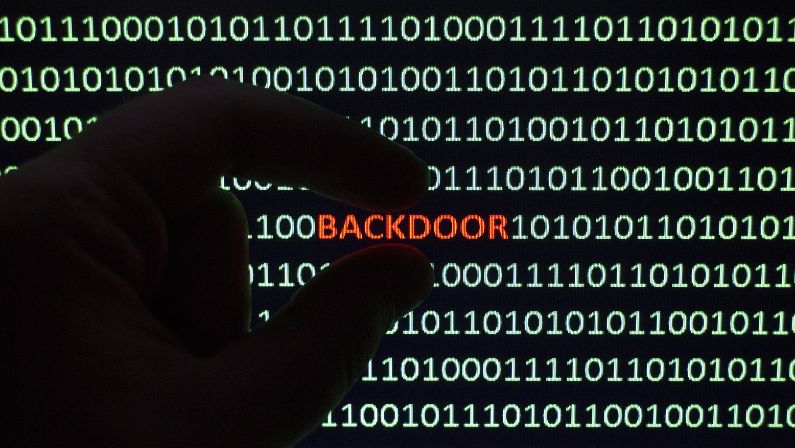
Backdoors allow hackers to gain unauthorized access to a computer. These are designed for future use and can remain undetected in a system for years.
These are fake security programs that appear to be legitimate. Rogueware tricks people into thinking their device is compromised, causing them to click on a bogus notification, which then downloads malware.
Malware is typically spread through email attachments, downloading infected files from the web, and even through malicious websites. It can also be spread by USB devices like flash drives or external hard drives.
If you notice strange activity on your computer, such as frequent crashes or pop-ups, it could be a sign that you have malware. Another indication is if your files are suddenly inaccessible or if your system slows down significantly.
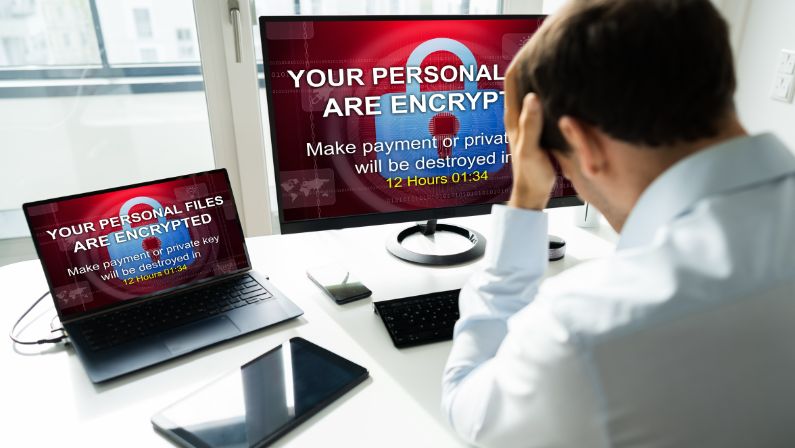
The best way to protect yourself from malware is to be aware of how it spreads and take steps to prevent its spread.
Here are some tips for preventing malware attacks on your computer:
Weak passwords make it easier for malicious actors to gain access to your system. When creating passwords, use a combination of uppercase and lowercase letters, numbers, and symbols.
Links in emails, social media posts, and websites can be malicious. Don’t click on any link unless you are sure it is safe.
Antivirus software can detect and remove malware from your system. Make sure to keep your antivirus program up-to-date.
Downloading software from sites you don’t trust can lead to malware being installed on your computer. Only download programs from reliable sources that you know are safe.
Firewalls protect your system by blocking malicious traffic and other suspicious activity. Make sure to keep your firewall up-to-date.
Regularly backing up your data can help you recover from an attack more quickly if malware does manage to infiltrate your system. Therefore, it’s important to store backups in a secure location away from your computer.
Be sure to use two-factor authentication when logging into accounts, as this can help protect you from phishing attacks.
Make sure that all the devices connected to your network are secured, as malicious actors can use them to gain access to your system. Always set up a strong password for any device that connects to your network.
You can get managed IT services from Allied IT systems to ensure your network is secure and protected.
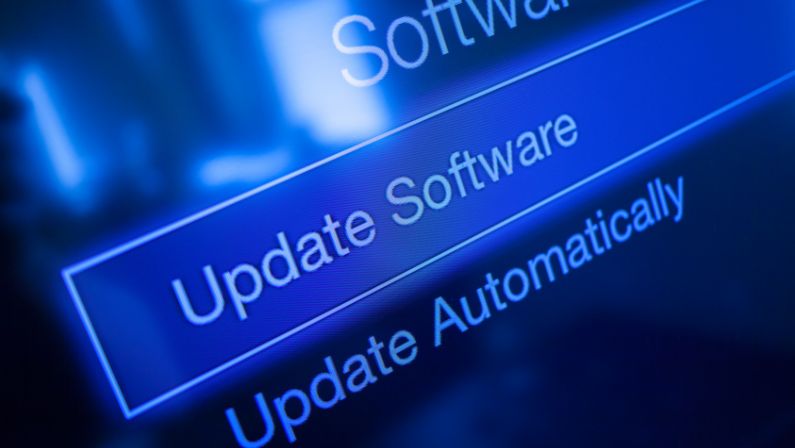
Software updates often contain security patches that can help protect your system from malicious actors. Make sure to keep all the software on your computer up-to-date.
Never open suspicious emails, and make sure that your email client has spam protection enabled.
Monitor your system for any suspicious activity, such as sudden file changes or unusually high CPU usage. If you notice anything out of the ordinary, take action immediately.
Last but not least, educate your users about how to spot malicious activity and how to take proper preventive measures.
There are several crucial reasons why you should always avoid and prevent malware.
These include:
Malware can be used to steal personal data, including financial information. By preventing malware, you can protect yourself from any potential financial losses.
Malware can also be used to access your personal data, including passwords, address information, and more. By protecting against malware, you can ensure that your information remains safe.
Data breaches can have serious consequences, including identity theft and damage to your reputation. By preventing malware, you can prevent data breaches and protect yourself from any potential repercussions.
Malware can damage your system, including its performance and speed. By preventing malware, you can keep your system running smoothly and efficiently.
Cybercriminals are always looking for ways to launch new types of malware. By preventing existing malware, you can help to protect your system from any future attacks.
Malware can disrupt your business operations by slowing down or even disabling systems. By preventing malware, you can help to maintain the efficiency of your business.
Malware can also damage your reputation if it is discovered on your system. By preventing malware, you can help to protect your reputation and ensure that your customers remain loyal.
Malware can also be used to access and steal your intellectual property, such as trade secrets or copyrighted material. By preventing malware, you can help to protect your company’s intellectual property.
Last but not least, preventing malware can help to improve your overall cybersecurity posture. By taking preventive measures, you can ensure that your system remains safe and secure.
Malware can be a serious threat to any computer system. By following the steps outlined here, you can take preventive measures to protect yourself from malicious actors and keep your system safe from malware attacks.
To keep your network and computers secure, get help from Allied IT systems–your technology partner. Remember, knowledge is power, and prevention is key. Always stay informed and stay protected!