Technical

Five separate conditions quietly decide whether a nonprofit keeps its Microsoft 365 pricing year after year. Losing track of even one can mean an unexpected jump to commercial rates at renewal.
Most organizations assume that once Microsoft approves them for nonprofit pricing, that approval holds for as long as the subscription stays active. In practice, eligibility is reviewed continually, and a single missed requirement can push a nonprofit onto full commercial rates at renewal.
That gap between assumption and reality matters because discounted plans are a major draw for nonprofits, yet the rules behind them are rarely spelled out in plain language. One line of eligibility can be the difference between a manageable IT budget and a sudden, steep increase in costs.
Microsoft 365 nonprofit plans exist for registered charities and similar organizations, giving them access to familiar tools like Word, Excel, and Teams at a fraction of the commercial price. That discount, though, was never meant to be permanent by default. Knowing what actually keeps the pricing in place is the only way to avoid an unpleasant surprise at renewal time.

Many nonprofits in Burlington depend on discounted Microsoft 365 plans to keep their technology affordable, which makes the fine print behind those discounts worth real attention. The conditions that allow an organization to keep its rate can shift without much notice, and missing a single requirement can turn the next renewal into a bill at full commercial rates.
The risk extends beyond the price tag itself. A sudden jump in costs can force a nonprofit to cut back on licenses, delay projects, or scale back services it provides to the community. For that reason, it matters more to understand what actually keeps nonprofit pricing in place than to assume that status, once granted, will always be recognized.
It's tempting to treat nonprofit pricing approval as a box checked once and forgotten. Microsoft, however, reviews eligibility on an ongoing basis, which means an organization has to keep meeting the criteria year after year, not just at the moment of signup.
Because of that ongoing review, changes inside the organization carry real weight: shifts in structure, mission, or registration status can all affect standing. If nonprofit status lapses or the organization's activities drift away from charitable work, access to discounted plans can disappear, and Microsoft may also request updated documentation to confirm that eligibility still holds.
This review process does not run on a fully predictable schedule. Sometimes advance notice arrives well before a required update is due; other times the request lands close to the renewal date, leaving little room to respond. Staying organized with documentation and understanding the review rhythm becomes the real safeguard.
Since the review is ongoing, it helps to know exactly what gets checked. Discounted microsoft 365 nonprofit pricing depends on more than the initial approval — five distinct conditions decide whether that rate survives renewal, and missing even one can trigger a switch to commercial pricing.
Registered nonprofit status has to stay current with the relevant authorities without a gap. If registration expires or is revoked, Microsoft stops considering the organization eligible for nonprofit offers, and this is often the first thing checked during annual reviews.
Beyond registration, Microsoft applies its own definition of what counts as an eligible nonprofit, with restrictions tied to mission, activities, or funding sources. Some advocacy groups or trade associations, for instance, may not qualify even if they're registered as nonprofits elsewhere.
Eligibility criteria aside, how licenses get assigned matters just as much. Discounted licenses are meant for people who directly support the nonprofit's mission — typically paid staff and active volunteers — and handing them to unrelated contractors, board members without operational roles, or for-profit partners can put pricing at risk.
License assignment is only useful if it can be proven on request. Microsoft may ask for updated documentation or proof of eligibility at any time, and missing a deadline or failing to supply the required information can get nonprofit pricing suspended or revoked until the organization complies.
Documentation only helps if it matches what's on file. The Microsoft 365 tenant needs to reflect the organization's current legal name, address, and contact information, since outdated or inconsistent details can get an account flagged for review or disqualified from nonprofit pricing.
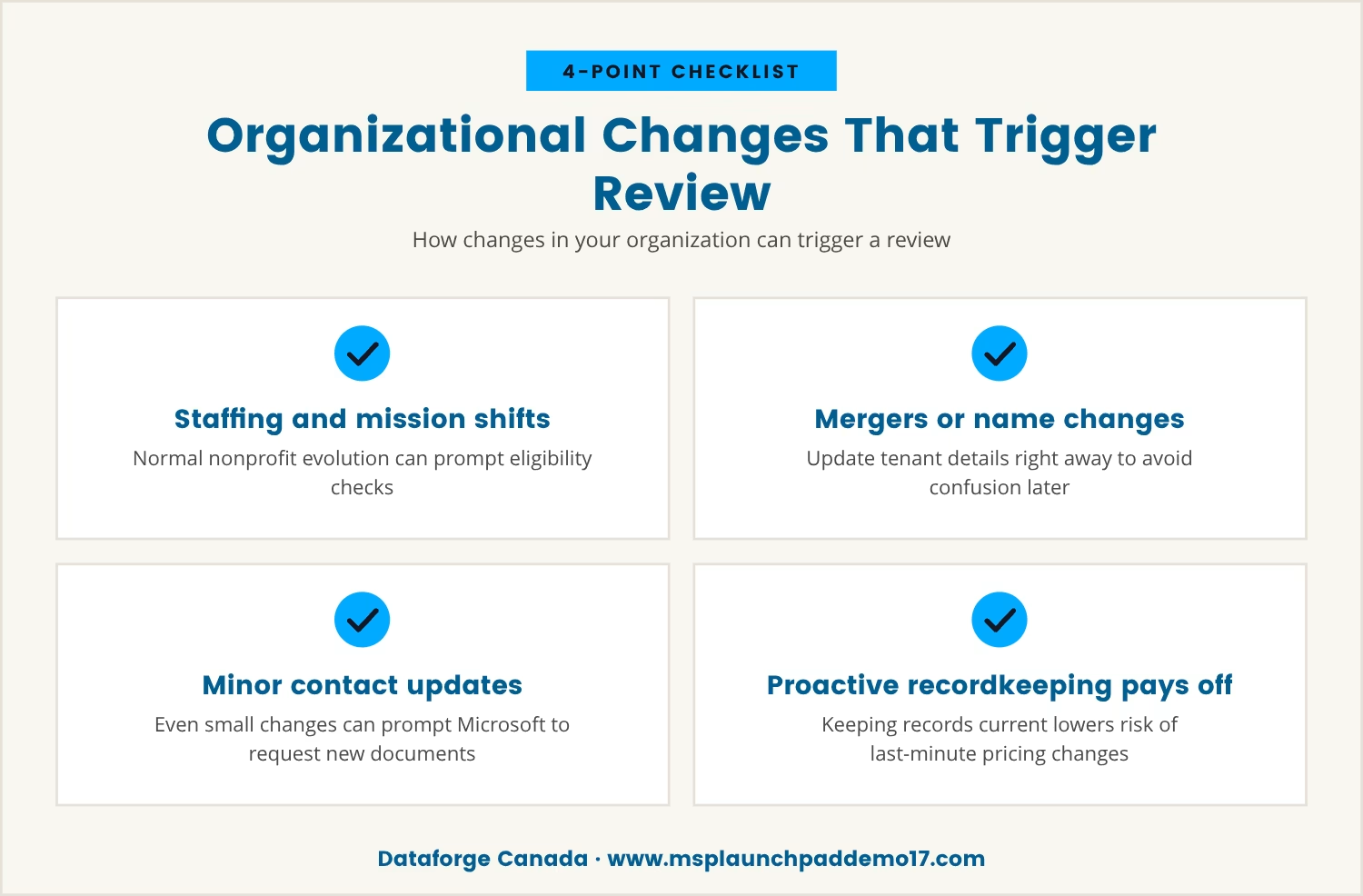
Because those five conditions are tied so closely to organizational details, ordinary change becomes a trigger in its own right. Nonprofits are dynamic by nature — staff come and go, missions evolve, and occasionally the legal structure itself changes — and each of these shifts can prompt a new look at eligibility for microsoft 365 nonprofit pricing.
A merger, a name change, or a move to a new address all call for updating the Microsoft 365 tenant details right away; putting it off can cause confusion the next time verification comes around.
Even changes that look minor — a new main contact, an updated website — can prompt Microsoft to request fresh documentation. The more proactive an organization is about keeping records current, the less likely it is to face a pricing change at the last minute.
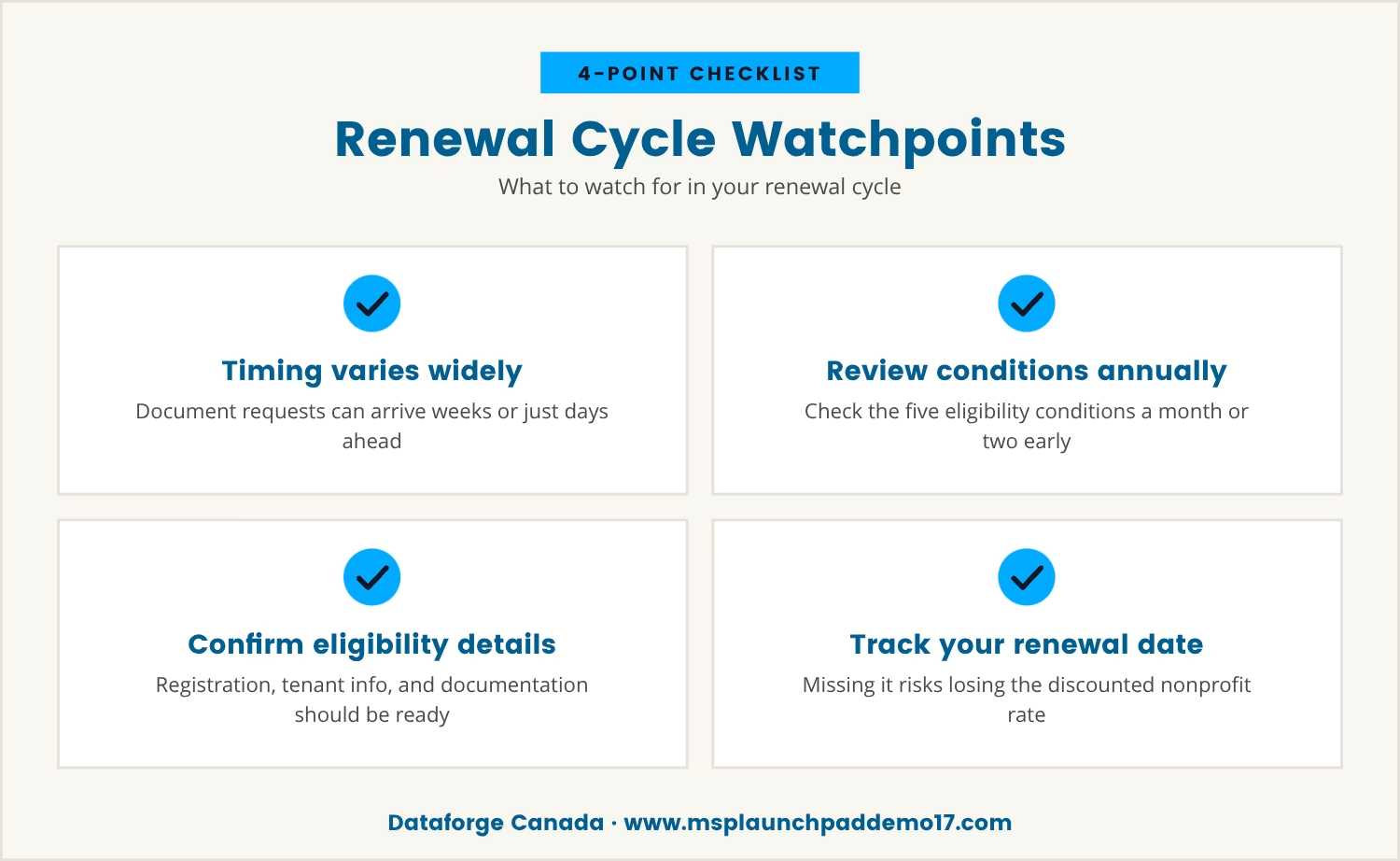
Given how much rides on timing, the renewal date deserves special attention, since it's when most surprises happen. Microsoft typically reviews eligibility before each renewal, but the timing and requirements can vary — sometimes a request for updated documents arrives weeks in advance, and sometimes the notice comes just days before the subscription is set to renew.
To avoid last-minute stress, keep a checklist of the five conditions above and review it at least once a year, ideally a month or two before renewal. Confirm that nonprofit registration is current, that tenant details are accurate, and that documentation proving eligibility is ready if requested.
Anyone unsure when their renewal falls due can check the Microsoft 365 admin portal or contact their IT provider, since missing a renewal deadline or failing to respond to a verification request can mean losing the discounted rate until the issue gets resolved.
Given everything above, it's worth naming the mistakes that actually cause organizations to lose pricing, since it's rarely a change in qualification itself. Here are some of the most common pitfalls:
Since the pitfalls above are largely preventable, staying ahead of these five conditions is the best way to protect a nonprofit's IT budget. Waiting until Microsoft makes contact leaves little time to fix an issue before renewal, while keeping documentation organized and records current heads off most surprises before they start.
For nonprofits in Burlington, this discipline carries extra weight, since local regulations or changes in organizational structure can affect eligibility on their own terms — making regular status reviews a wise habit. Any uncertainty about a requirement is worth raising directly with an IT provider or Microsoft support.
In the end, the difference between keeping a discounted rate and facing a sudden price hike often comes down to how closely these conditions get tracked. A little attention now can save a lot of trouble later.

Many organizations with 1 to 40 users depend on Microsoft 365 nonprofit pricing, but the rules can change quickly and without warning. At Dataforge Canada, we understand how disruptive a sudden cost increase can be for your team.
If you want to see how we keep our clients prepared for pricing reviews—or if you’d like to talk about your own Microsoft 365 setup—let’s start a conversation.
You get fast, real help from a person—not a queue—when you call us about your Microsoft 365 nonprofit setup.
[.mspl-button-text]Talk to a real person now[.mspl-button-text]
Microsoft may suspend discounted pricing until proof of renewed status is provided, which can mean the subscription gets billed at commercial rates if the lapse isn't resolved quickly. Keeping registration up to date avoids this interruption entirely.
No, these licenses are intended for paid staff and active volunteers who directly support the organization's mission. Assigning them to contractors, consultants, or board members without operational roles can violate Microsoft's terms and lead to loss of nonprofit pricing.
Microsoft reviews eligibility at least once a year, usually ahead of subscription renewal, but updated documentation can be requested at any time if organizational changes occur or status needs re-verifying. Keeping records current is the best way to stay prepared.
Respond promptly with the requested documentation, such as proof of nonprofit registration or updated contact information. Delays or incomplete responses can result in discounted pricing being suspended until the issue is resolved.
Microsoft's core eligibility rules apply everywhere, but nonprofits in Burlington should also keep their local registration and legal status current at all times. Local regulations can affect eligibility independently, so reviewing both Microsoft's requirements and local authority requirements on a regular basis is worthwhile.